
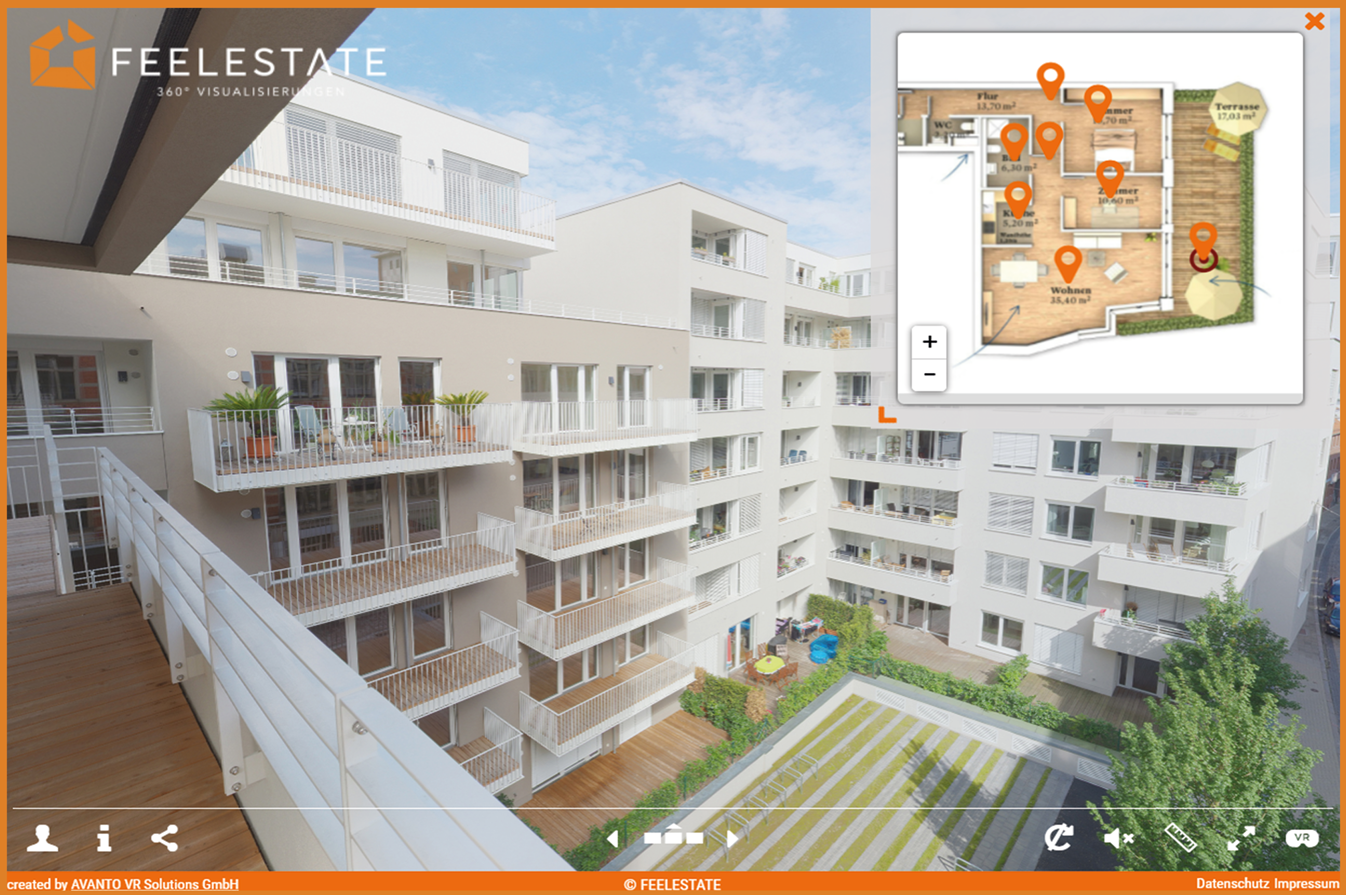
The AI Floor Plan feature automatically turns a 360‑degree virtual tour into a clear floor plan. It provides a visual layout that shows how rooms are connected, so there’s no need to manually draw floor plans.
AI Image Enhancement uses FEELESTATE’s HDR tools to automatically optimize and upscale 360‑degree photos. The HDR app generates impressive high‑dynamic‑range images from normal 360° photos and improves exposure and image quality with a single click.
AI Video Maker creates a short MP4 teaser video from up to seven 360‑degree images. With a few clicks, it produces a 180° overview and smooth transitions, ideal for eye‑catching social‑media teasers.
Password protection lets you decide who can see your tours and which panorama images require authorization. Visitors can request access during a tour, generating new leads while the system handles e‑mail communications automatically.
The integrated statistics tool provides valuable information about user behaviour. For registered customers, it shows which rooms are visited most, how long they’re viewed, and which properties attract the most attention.
Create impressive 360° tours in record time and let prospects feel as if they are on site. With FEELESTATE you can:

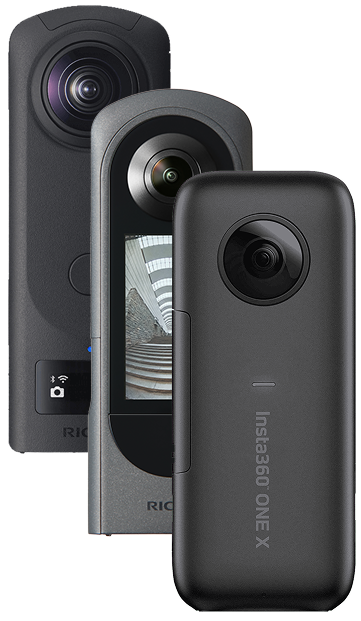
To get started with FEELESTATE you only need the following:
Create an immersive experience for your clients with 360° virtual tours in your own branding and many helpful functions for seller and buyer.

🇩🇪 Germany

🇩🇪 Germany

🇩🇪 Germany

🇩🇪 Germany


*Prices are indicative; please contact us for current offers and annual discounts.
We support a diverse range of clients, including:
FEELESTATE is a time‑saving and easy‑to‑use solution that lets real‑estate professionals create 360° virtual tours in just minutes.
No. All you need is a 360° camera and a few minutes to take photos of your property; the FEELESTATE software guides you through creating and sharing the tour.
Tours can be viewed on smartphones, tablets and computers without any software installation.
Yes. FEELESTATE offers access restriction (password protection) and individual user statistics that let you gather contact information and understand how each prospect interacts with your tour.
Invite clients to a guided virtual viewing in the Meetingroom. You can show them around the virtual property, answer their questions and learn about their preferences before arranging an on‑site visit.